|
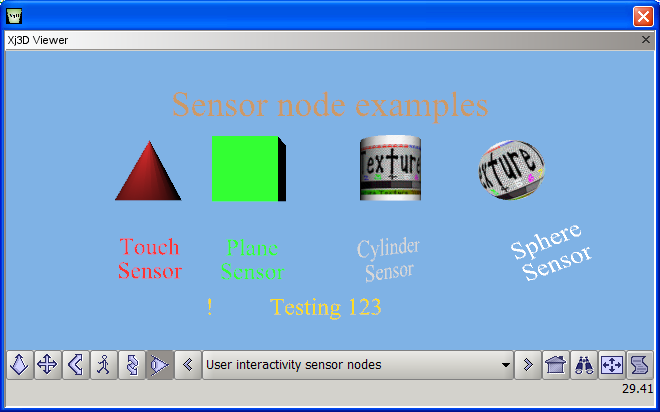
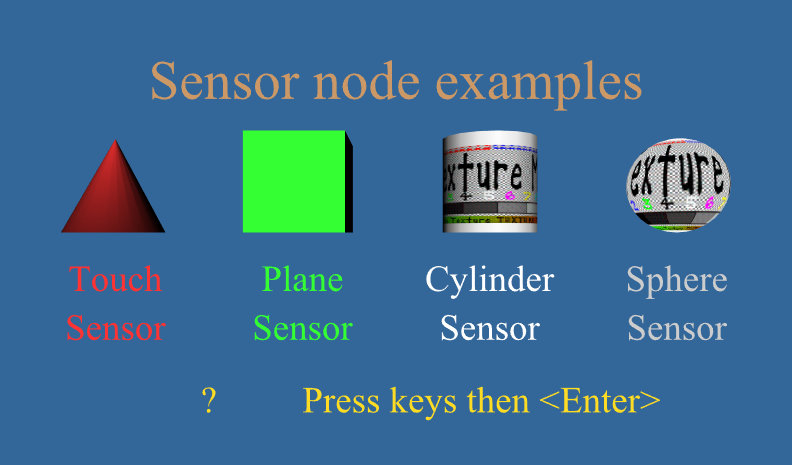
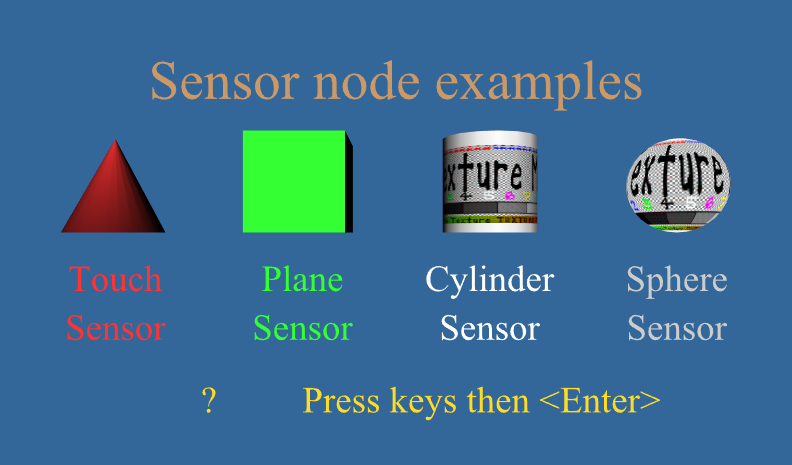
A variety of sensors detect user interactivity with a scene, allowing authors to
define animation responses in a device-independent, display-independent way.
User interactivity is accomplished by sensing user actions, which create events that are sent via
ROUTE
connections.
Sensor output values are produced by
CylinderSensor,
KeySensor,
PlaneSensor,
StringSensor
and
TouchSensor
nodes.
The supporting
Chapter 8 slideset
and course videos
(NPS,
YouTube)
for X3D for Web Authors are available online via
X3dGraphics.com.
Authors can use a
10-step algorithm checklist
(with example diagram)
as an event-animation design pattern that helps build consistent event-routing chains.
The supporting
Chapter 7 slideset
and course videos
(NPS,
YouTube)
for X3D for Web Authors are available online via
X3dGraphics.com.
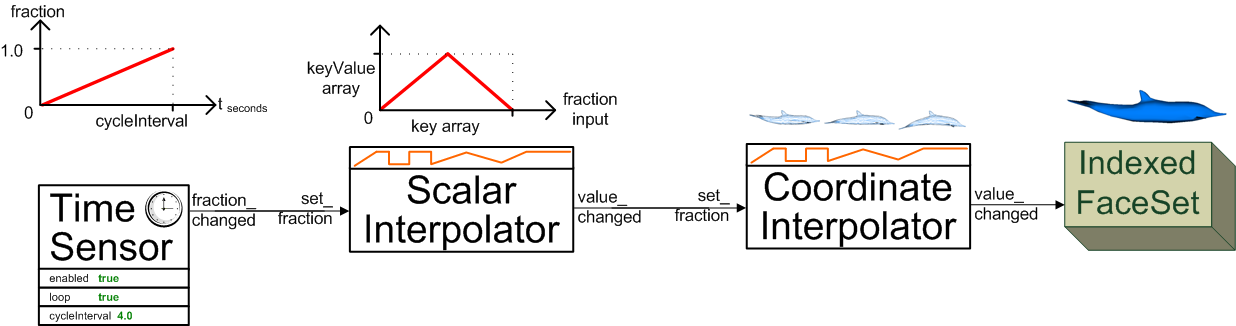
The quick-reference sheet
X3D Event Utility Nodes: Field Event Diagrams
illustrates the functionality of the event utility nodes.
These nodes receive and pass values that are sent via
ROUTE
connections.
|


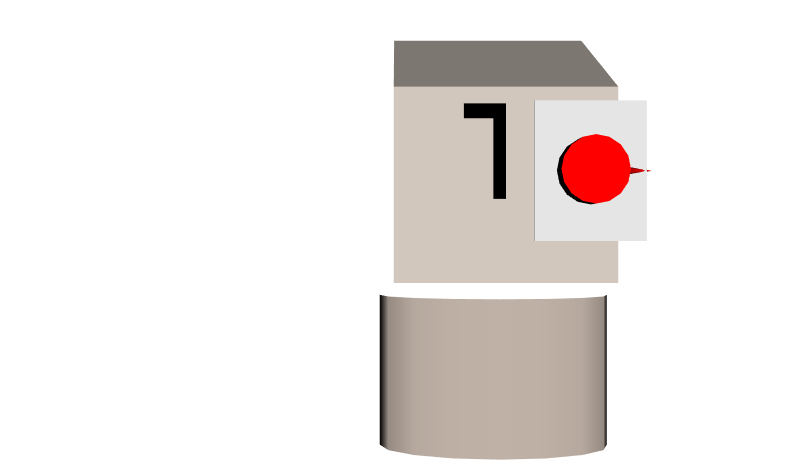
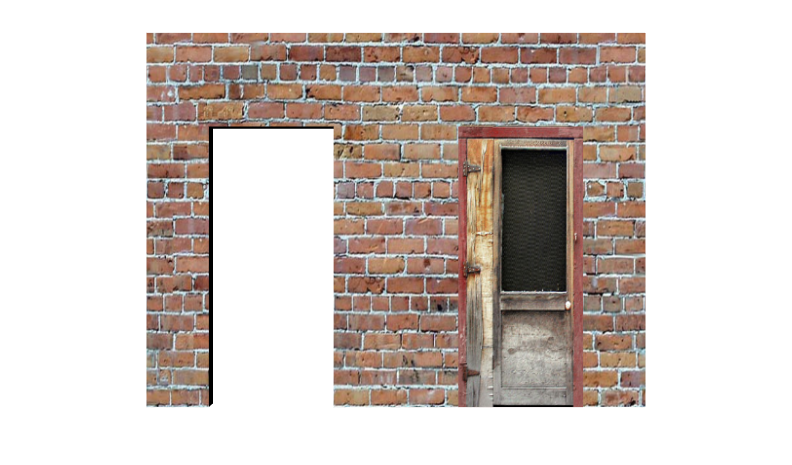
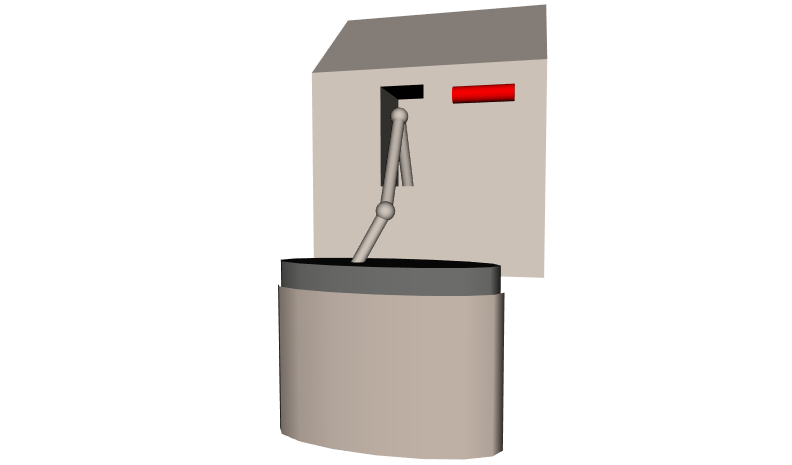
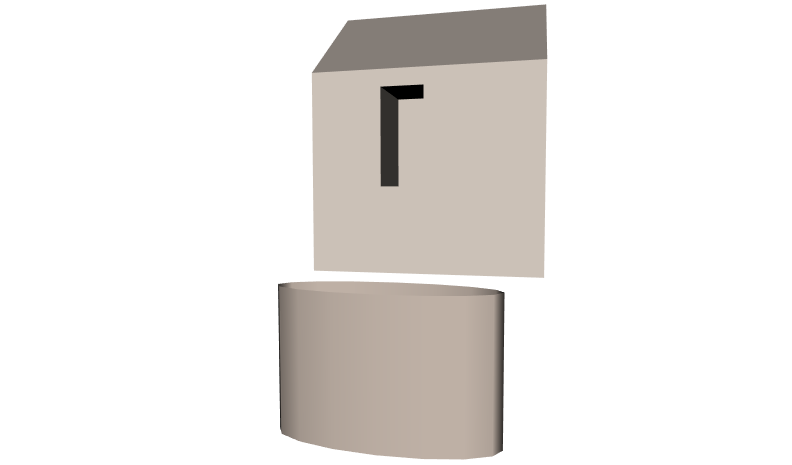
![[1] CylinderSensorPumpHouse.x3d Adjustible Viewpoint](_viewpoints/CylinderSensorPumpHouse.x3d._VP_Adjustible_Viewpoint.png "[1] CylinderSensorPumpHouse.x3d Adjustible Viewpoint")