|
|
|
|
|
|
|
|
| 8 X3D Models | X3D Model Descriptions | |
|---|---|---|
|
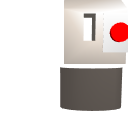
Cylinder Sensor Pump House | A CylinderSensor changes the viewing position of a positive-displacement cylinder pump house. |
|
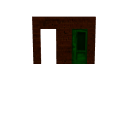
Doors | Two doors activated by different fields from a TouchSensor node. |
|
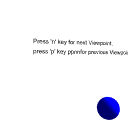
Key Sensor Lefty | A KeySensor is used to change relative Viewpoints looking at the shark Lefty, while a SphereSensor can also rotate Lefty in place. |
|
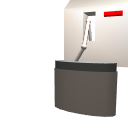
Plane Sensor Pump House | PlaneSensor on the red handle controls the overall movement of a positive-displacement cylinder pump. |
|
Sphere Sensor Lefty | Using a separate SphereSensor, Lefty shark can be oriented in any direction by remote control. Navigation locked so that no other scene rotation is possible. |
|
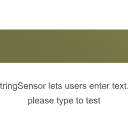
String Sensor Example | A StringSensor example that displays typed text in the world. |
|
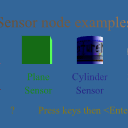
Touch Sensor Pump House | TouchSensor activated positive-displacement cylinder pump house. |
|
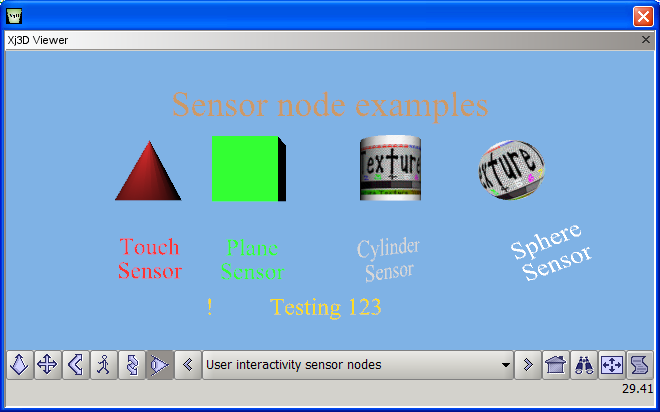
User Interactivity Sensor Nodes | A collection of all of the user interactivity sensor nodes: TouchSensor, PlaceSensor, CylinderSensor, SphereSensor, KeySensor, and StringSensor. |
|
Online at https://X3dGraphics.com/examples/X3dForWebAuthors/Chapter08UserInteractivity
Master source-code model archive is under subversion control at |
The X3D Resources: Examples page and Savage Developers Guide provide more information about the production of this archive.
|
|
|
|
|
|
|